> For the complete documentation index, see [llms.txt](https://docs.crystal.exchange/llms.txt). Markdown versions of documentation pages are available by appending `.md` to page URLs; this page is available as [Markdown](https://docs.crystal.exchange/trading-terminal/trackers.md).
# Trackers
Add and monitor wallets you want to track.
{% tabs %}
{% tab title="Wallet Manager" %}
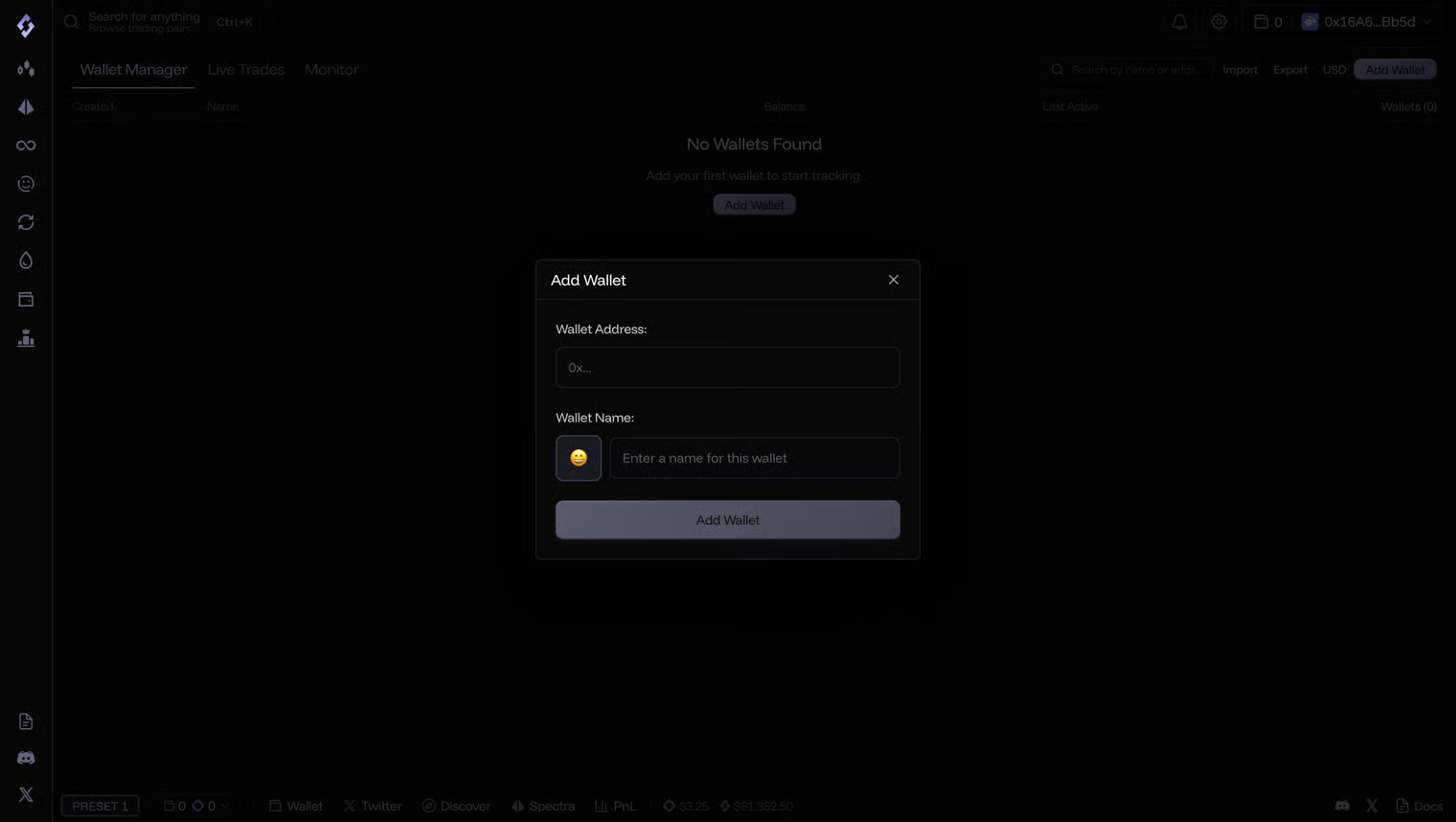
#### Add or import wallets
{% endtab %}
{% tab title="Live Trades" %}
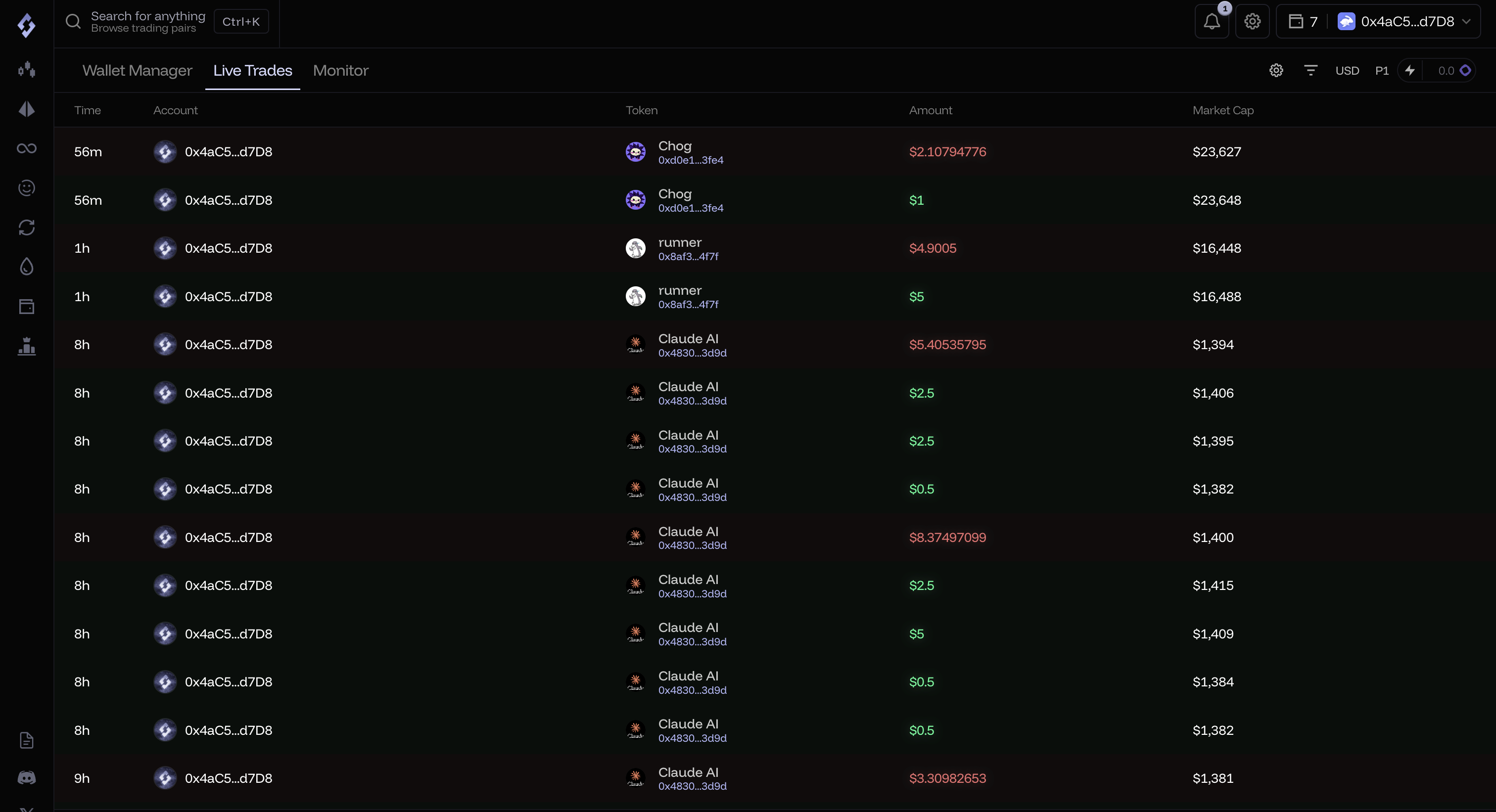
50 most recent trades are displayed.
Note: You can also hover over the trades to quickbuy the token.
{% endtab %}
{% tab title="Socials" %}
3 Tabs: Alert, Tweets, My List\
\
Alert shows a default list of tokens (sorted by most recent tweets), you can change and customize this page.\
\
Tweets tab shows the tweets from X handles you have added in My List\
\
My List shows the X/Twitter accounts you are tracking.
{% endtab %}
{% endtabs %}
A widget version of wallet tracker can be found in the bottom of app, any settings related changes made in one will be applied to the other.