> For the complete documentation index, see [llms.txt](https://docs.crystal.exchange/llms.txt). Markdown versions of documentation pages are available by appending `.md` to page URLs; this page is available as [Markdown](https://docs.crystal.exchange/spot-trading/customization.md).
# Customization
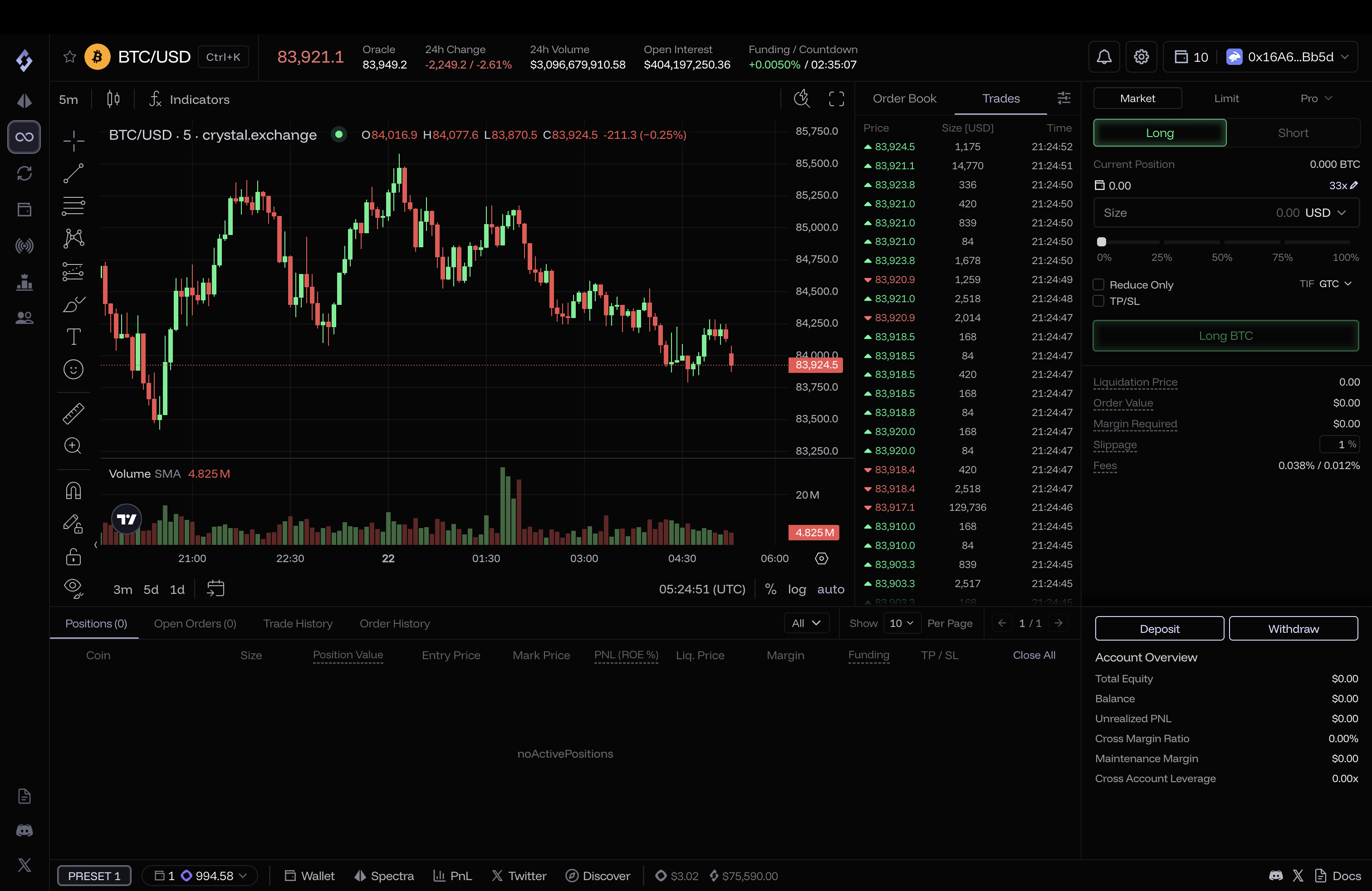
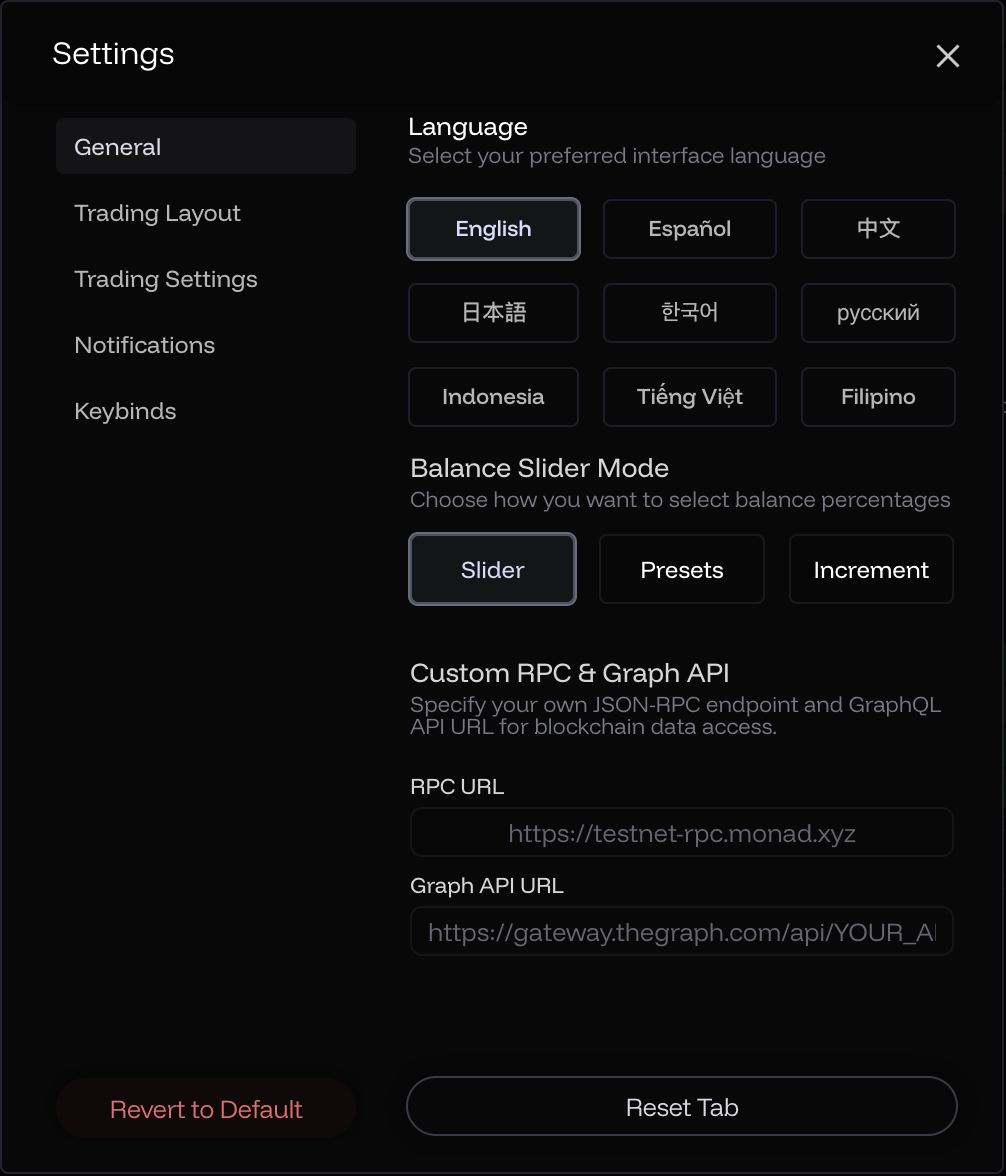
We provide multilingual support and 17 different UI configurations, allowing users to alter the position and visibility of all essential elements on the trade screen. All non-trade-related settings can be customized with the settings modal accessible through the settings button in the header.
{% tabs %}
{% tab title="General" %}
#### Languages
English, Spanish, Chinese (Simplified), Japanese, Korean, Russian, Indonesian, Vietnamese, and Filipino.
{% endtab %}
{% tab title="Trading Layout" %}
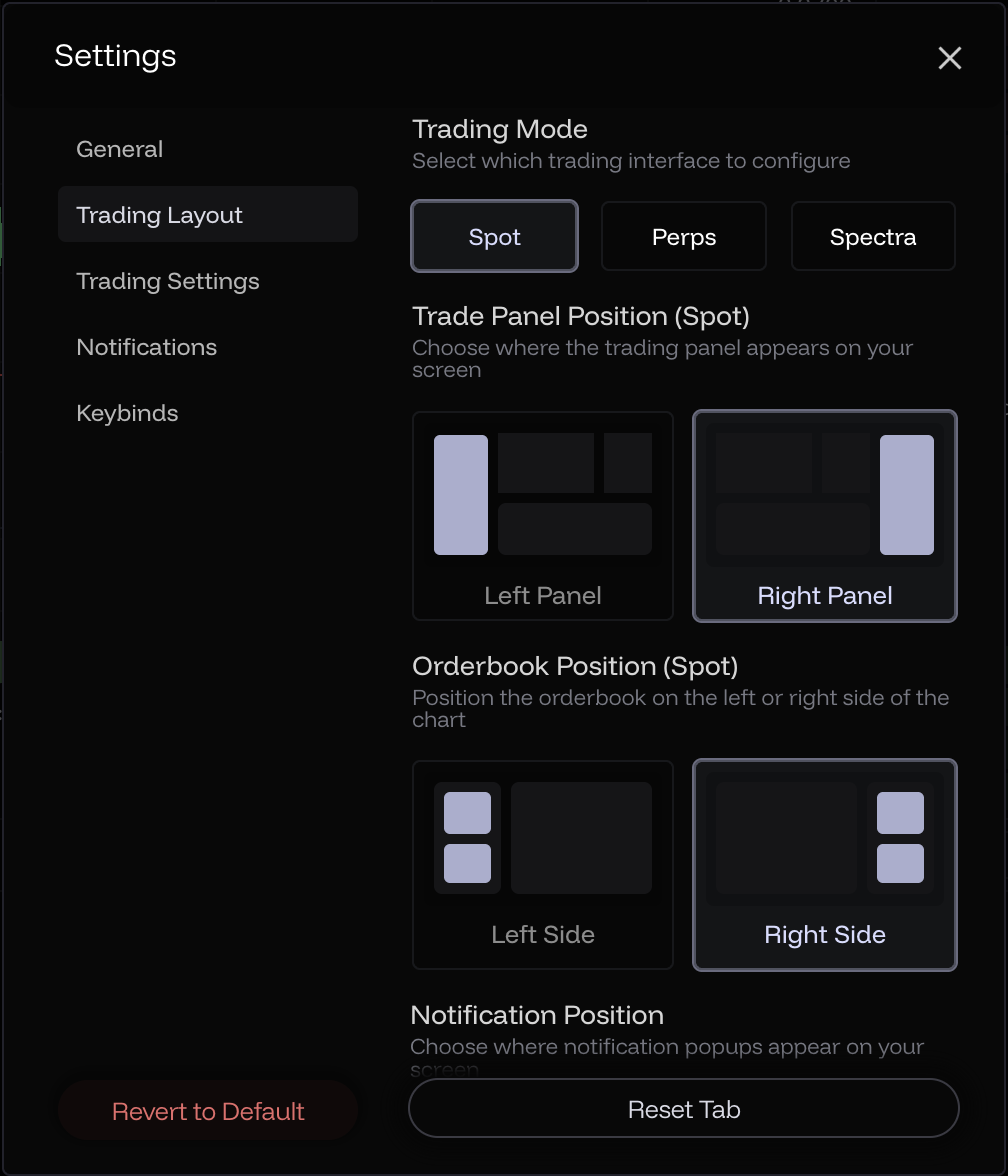
### Swap Modal Location
You can change the location of the Swap modal to be either on the left or right side of the screen.
### Order Book Location
You can change the location of the order book to be either on the left or right of the chart.
### Dynamic Component Resizing
The order book and order center can also be dynamically resized by dragging, and the chart will fill up the remaining space.
### Chart Outliers
By default, scam wicks in the chart due to MEV or low liquidity are hidden. This can be disabled to get a more informed view of the market at the cost of visual experience.
{% endtab %}
{% tab title="Show/Hide" %}
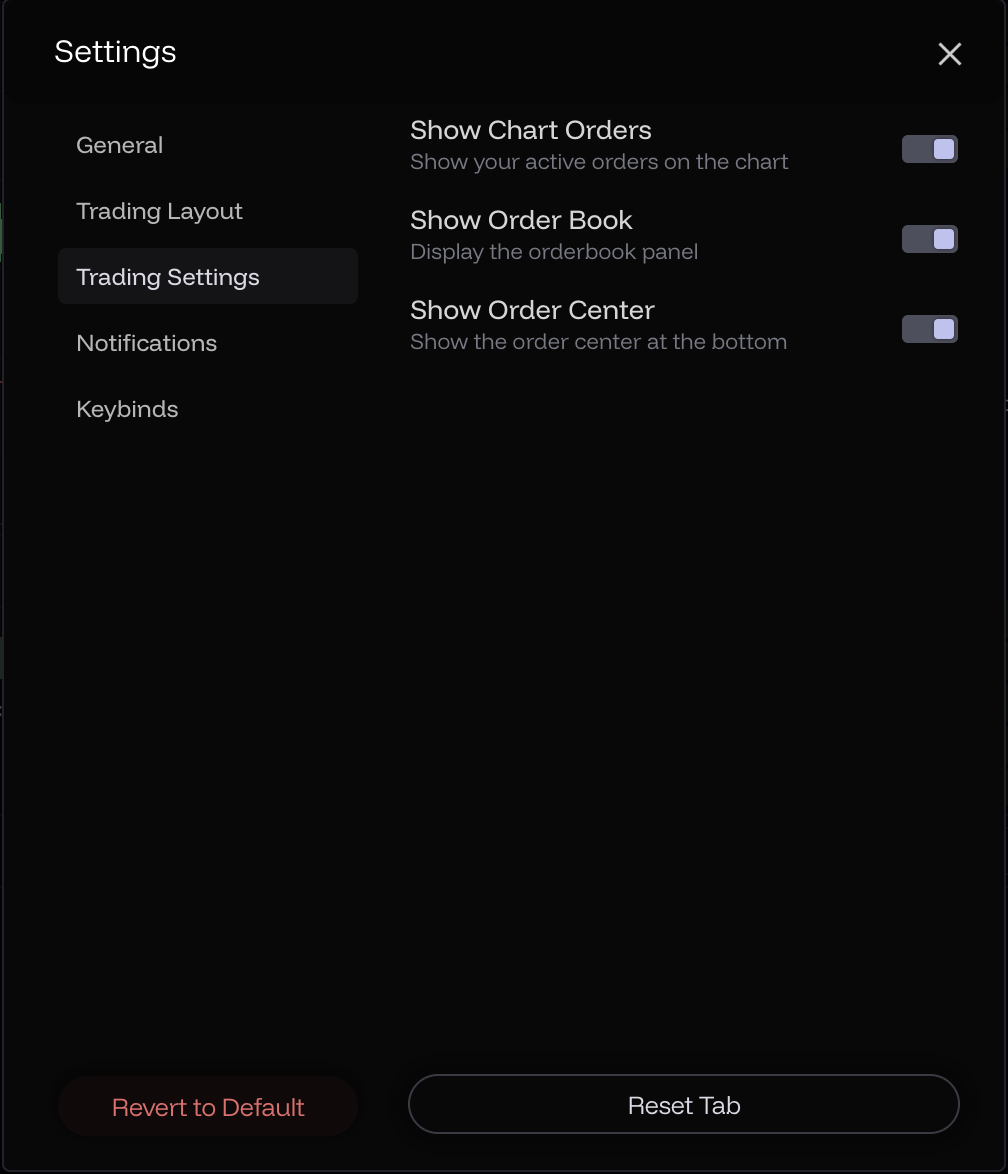
The order book and order center can be shown/hidden, with the chart dynamically expanding to occupy the remaining space if any. Trade markers and order lines can also be shown/hidden.
{% endtab %}
{% tab title="Notifications" %}
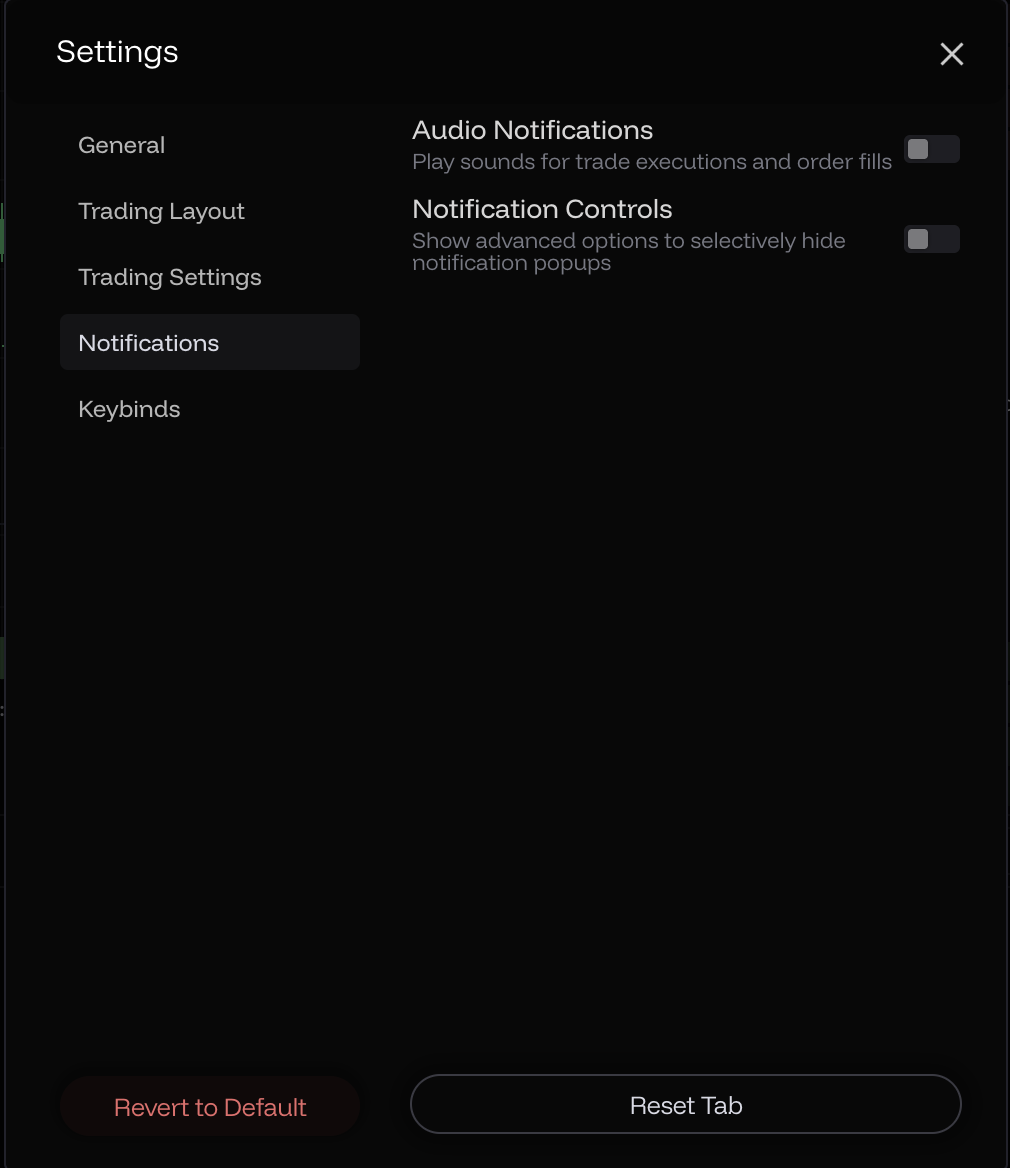
Audio notifications can be enabled on action success and order fill.